 eduzyeduzy
All courses
No course matches this filter
Featured
.jpg)
Practice C# for Beginners - From Extremely Detailed Plain Code to AI-Native -
The course "Building Foundational Programming Thinking with C#" - from extremely detailed runnable code to applying AI once you have the knowledge - is a great opportunity for those who are just starting to get familiar with programming! If you are a beginner with no experience but a passion for creating real applications, this is the course for you. In this course, you will not only learn dry theory but also participate in many real projects, from building basic applications to developing software with .NET and Visual Studio Code. You will have the opportunity to create small products such as information management applications, data processing tools, or even simple games. Each project will help you practice practical programming skills and understand how programming tools work. With the detailed guidance and easy-to-understand lectures of instructor Trương Tấn Khải, you will quickly master C# and .NET. The course helps you build a solid programming mindset, thereby creating a foundation for continued development in the future. Don't worry if you don't know anything about programming – everything will become easy and fun when you work on real projects and see results right on your computer screen. Start today to discover your creativity through programming!
.jpg)
Master Bootstrap CSS Framework – Build 3 Standard Real-world Layouts
Bootstrap 5 – Building 3 Real-world Web Layouts Landing Page · Admin Dashboard · Website / Web App Why should you take this course? Have you ever: Learned Bootstrap but only remember the classes, can't build a complete layout on your own? Followed sample examples but when working on real tasks don't know where to start? Know basic HTML/CSS but lack confidence to build real-world web interfaces? This course is designed to help you understand correctly – build – apply Bootstrap 5. What will you be able to do after the course? Understand Bootstrap 5 systematically Use Grid, Responsive, Utility, Component proficiently Build 3 complete web layouts by yourself Have concrete products to submit for assignments, projects, or your portfolio Be ready to integrate with Backend / API / Framework later Course content (learn as you go, apply as you learn) Layout 01 – Landing Page (Foundation) Grid System, Container, Breakpoints Hero section, Button, Card, Content Section Responsive from mobile to desktop Product: Landing Page introducing a course / product / personal profile Layout 02 – Admin Dashboard (Application) Navbar, Sidebar, Content layout Table, Form, Modal, Pagination Clear interface organization, easy to extend Product: Admin interface (manage students / products) Layout 03 – Website / Web App (Real-world Standard) Multi-page layout: Home – List – Detail Advanced components: Accordion, Offcanvas, Toast Organize UI in a project-oriented way Product: Multi-page website / complete Web App interface Who is this course for? Frontend beginners IT students who need a major assignment or project People who already know HTML/CSS but haven't systematically learned Bootstrap Teachers and lecturers who need materials to teach Bootstrap through real products Prerequisites Know basic HTML Have a computer and a web browser No prior Bootstrap knowledge required What makes this course different? Teaches with real-world layouts, not fragmented lessons Each learning section includes a complete product Clear thinking, immediately applicable After finishing, you can confidently build web interfaces Results after the course 3 complete layouts – a solid foundation to continue learning Frontend

Basic N8N Workflow Setup
Practical n8n AI Automation Course The course n8n AI Automation at Eduzy helps you master the process automation tool, connect multiple applications, and apply AI to real-world work without requiring in-depth programming knowledge. Through hands-on learning, you will learn how to build automated workflows such as collecting and processing customer data, sending emails, managing tasks, creating reports, connecting Google Sheets, Gmail, Telegram, CRM, and many other platforms via API. In addition to foundational knowledge about n8n, the course also guides you in integrating AI models to classify content, summarize information, create marketing content, build data lookup chatbots, and develop AI Agent capable of supporting automated task processing. What you will learn Design and operate workflows on n8n. Connect applications, webhook and API. Automate email, data and reports. Apply AI to work processes. Build chatbot, RAG and AI Agent. Test, fix errors and optimize workflows. Deploy real-world automation projects. Who this course is for The course is for office workers, marketing, sales, customer care, business owners, developers, freelancers, and those who want to apply AI Automation to save time, reduce manual work, and increase productivity. After the course, you can build your own automation systems for work or business, or develop automation services for clients. Master n8n, connect AI, and turn repetitive tasks into smart automated workflows with Eduzy.

Building AI Agent with OpenClaw & N8N - Building 24/7 Assistant to Automate Workflows and Auto-Post
What is this course? This is a hands-on course on practical AI Agents and process automation, going straight into building real working products — no foundational theory. You will build an "AI employee" running 24/7 on your own VPS, taking commands via Telegram and working for you. In the course, you build each sub-assistant step by step (calendar – reminders – reports, email, search – summarization, sales consulting, content writing, image generation), then combine them all into an end-to-end automatic Facebook posting assistant using OpenClaw + n8n. How to learn: each session has short theory → demo → you do it yourself → class exercises → homework. The final session is project review. What is OpenClaw? OpenClaw is an open-source (free) platform for building personal AI assistants. The architecture includes CLI ↔ Gateway (port 18789) ↔ daemon, running in the background continuously and controlled via chat channels (Telegram is fastest, plus WhatsApp, Discord, Slack, Signal, iMessage). The assistant has a persona (personality, tone, tool scope) and long-term memory to "remember" processes across sessions, while also connecting directly to Google Workspace and other tools to perform real actions. What does the course include? Install & run OpenClaw 24/7 on personal machines and on VPS Control the assistant via Telegram; design a custom persona & memory in your own style Connect Google Workspace: Gmail, Drive, Docs, Sheets, Calendar Automate scheduling, reminders, tracking & work reports 24/7 Automatically categorize emails and draft replies (human-in-the-loop — only send when you approve) Search and summarize information with source citations Build a sales assistant to consult customers after hours Write content in the right brand voice and create marketing images with Gemini Build an n8n workflow for the assistant to auto-post to Facebook: post immediately or schedule, with image or text-only, then report results to Telegram Deploy a safe 24/7 running system and manage operating costs Who is it for? Marketer / fanpage manager: want an assistant to automatically write & post content and generate images on schedule Shop owner / small business: want an "AI employee" to handle emails, schedules, and after-hours customer consulting Freelancer / Developer: want to take on clients for building AI assistants & automation This is an advanced course — 100% focused on practice, no foundational teaching. Prerequisites Know basic n8n usage (create workflows, plug in credentials) ( If you're not there yet, you can refer to this Ứng Dụng AI course before learning ) Have a basic understanding of AI/LLM and know how to write prompts ( If you're not there yet, you can refer to this Ứng Dụng AI course before learning )  Have a Google and Telegram account Have a model API key (Anthropic / OpenAI / Google) (Recommended) A payment card to rent a 24/7 VPS What you will learn after the course 1 AI assistant running 24/7 of your own Link to a Fanpage demo that auto-posts Demo video + system architecture description Reusable n8n workflow set
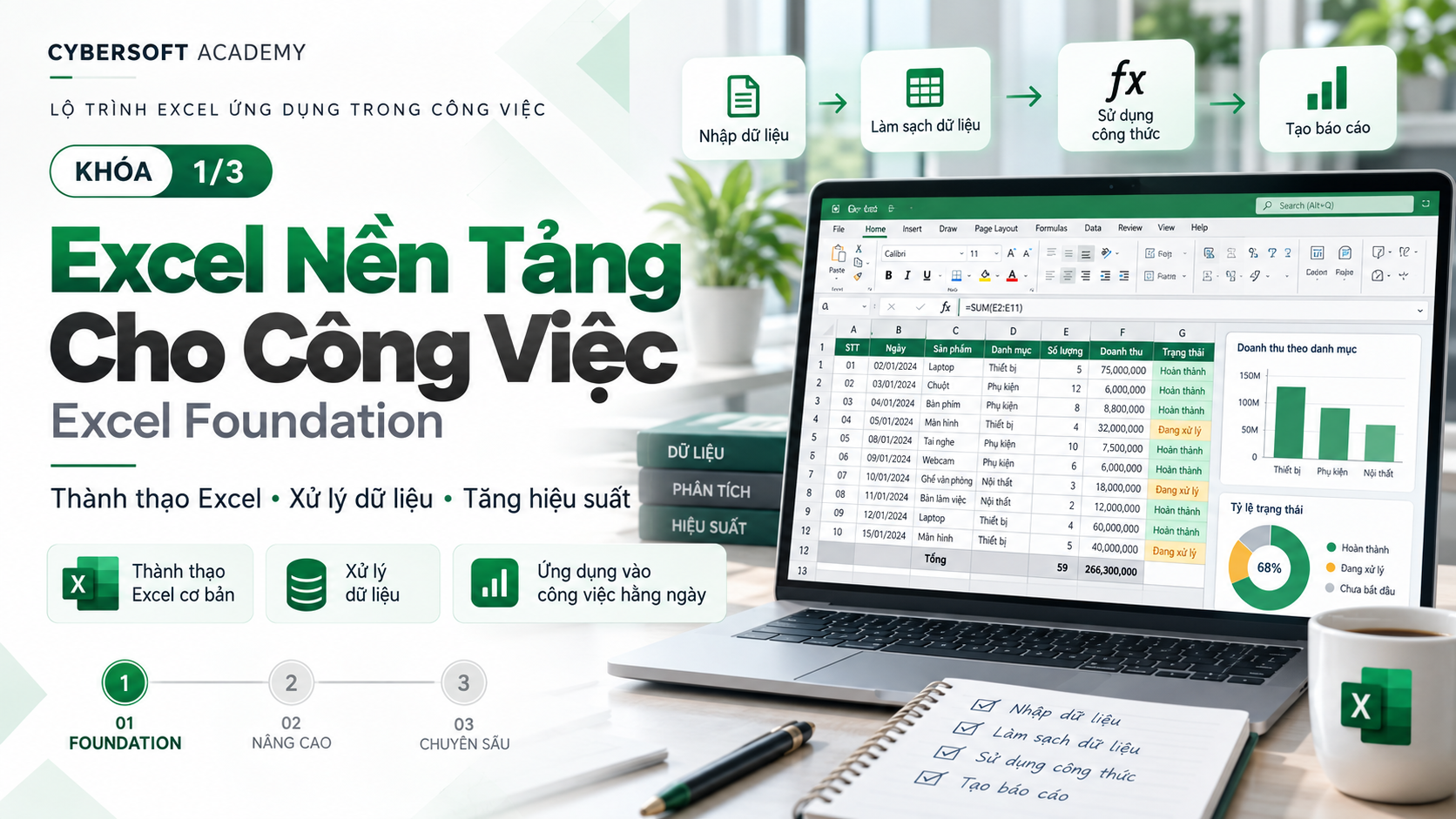
Excel Fundamentals for Work
📊 EXCEL BUSINESS ESSENTIALS Excel foundation for data & business work You use Excel every day but still spend a lot of time to clean data, write formulas, calculate KPI, or verify figures? 🤯 You want Excel to be not just a place to enter data, but truly become a tool that supports work and decision-making? 🚀 Excel Business Essentials is designed to help you build an Excel foundation following real-world work thinking: DATA → CLEAN → FORMULA → KPI Instead of learning Excel by memorizing a bunch of functions and disconnected operations, you will learn through workflows and real business problems, from raw data to a complete KPI table. 🎯 WHO IS THIS COURSE FOR? This course is suitable for: 👩💼 Office staff who want to use Excel more effectively in daily work. 📈 Business staff / Sales who need to track revenue, orders, KPI, bonuses, and performance. 💰 Accountants who need to aggregate, verify, and calculate figures accurately. 👥 Human Resources / HCNS who regularly work with employee data, departments, and reports. ⚙️ Operations staff who need to process and verify data before creating reports. 🎓 Students and Excel beginners who want to build a practical Excel foundation for work. No advanced Excel knowledge required. You only need to know basic operations such as opening/saving files, entering data, and simple cell formatting. 🔥 WHAT WILL YOU LEARN AFTER THE COURSE? After about 5 hours of learning and practice, you can: ✅ Understand how a business data table should be organized. ✅ Identify common data errors before starting calculations. ✅ Convert data into an Excel Table for easier management, filtering, and expansion. ✅ Use core Excel formulas to solve business problems. ✅ Calculate Revenue, Orders, Average Order Value (AOV), KPI and Bonus. ✅ Use SUMIFS, COUNTIFS, AVERAGEIFS, IF, AND, OR, IFERROR, ROUND in real-world situations. ✅ Check formula logic and reconcile results instead of relying only on whether Excel reports an error. ✅ Complete a workbook following the process: RAW DATA → CLEAN DATA → KPI TABLE 📊 🧩 COURSE CONTENT 1️⃣ MODULE 1 — BUSINESS DATA FOUNDATION Understand data before writing formulas ⏱️ 60 minutes You will learn how to read and organize a standard business dataset: 🔹 Row, Column, Record, Field, Header 🔹 Distinguish Text / Number / Date data 🔹 Get familiar with Excel Table 🔹 Sort, Filter, Freeze Panes 🔹 Important rule: 1 row = 1 transaction, 1 column = 1 attribute 🔹 Identify layout errors such as Merge Cell, blank rows, or placing total rows in the middle of the data range. 💡 Practice: Work directly with a sample sales file of about 500–1.000 rows, convert data into an Excel Table, and filter data by region, product, and status. 📁 Output deliverable: 01_DATA_STANDARDIZED 2️⃣ MODULE 2 — BASIC DATA CLEANING Clean data before analysis ⏱️ 45 minutes Real-world data is rarely perfect. Therefore, before calculating KPI, you need to know how to detect and handle common errors such as: 🧹 Blank / Null 🧹 Duplicate 🧹 Extra spaces 🧹 Inconsistent text 🧹 Inconsistent dates 🧹 Number stored as Text 🧹 Inconsistent region, department, or status names. 💡 Practice: Detect 8–10 intentionally planted errors in the dataset, then clean them and note cases that require manual checking. 📁 Output deliverable: 02_CLEAN_DATA 3️⃣ MODULE 3 — BUSINESS FORMULAS Turn data into meaningful numbers ⏱️ 120 minutes This is the core module of the course 🔥 You will learn how to use groups of Excel functions that are frequently used in business problems: 📌 SUM — aggregate data 📌 SUMIFS — sum by condition 📌 COUNTIFS — count transactions by condition 📌 AVERAGEIFS — average by condition 📌 IF — classify results 📌 AND / OR — combine multiple business conditions 📌 IFERROR — handle display errors 📌 ROUND — round numbers 📌 Some Text / Date functions needed for each problem. 💼 You will apply formulas to: 💰 Calculate Total Revenue 🧾 Calculate Total Orders 📊 Calculate Average Order Value (AOV) 👤 Analyze revenue by employee 🌍 Analyze revenue by region 🎯 Determine Met / Not Met KPI status 🎁 Calculate bonuses based on revenue and KPI conditions. In particular, the course does not only focus on “writing correct syntax”, but also guides you on how to check formula logic and reconcile results. 📁 Output deliverable: 03_KPI_CALCULATION 4️⃣ MODULE 4 — MINI BUSINESS CASE After learning, you must be able to do the job! 💪 ⏱️ 45 minutes In the final part, you will connect all the knowledge you have learned into a complete business scenario. 📌 Context: You are a Business Department support staff. A manager sends you a sales file with data errors and asks you to quickly create a KPI table to evaluate employee performance. You will: ➡️ Read the business requirements ➡️ Identify the metrics to calculate ➡️ Identify the data source ➡️ Complete the KPI table ➡️ Check sample results ➡️ Detect and handle errors in the workbook. 📈 Sales Performance Problem You will practice calculating: 💰 Revenue 🧾 Orders 📊 AOV ↩️ Return Rate 🎯 KPI Status 🎁 Bonus 📁 Output deliverable: A complete workbook including: RAW DATA → CLEAN DATA → KPI TABLE 🚀 MINI CAPSTONE — COMPREHENSIVE PRACTICE EXERCISE This is the part that helps you verify whether you can actually do it or not. You will start with a sales file containing data errors and complete the entire process yourself: Step 1️⃣ Standardize the data structure and convert it into an Excel Table. Step 2️⃣ Handle basic errors: 🧹 Blank 🔄 Duplicate 🔢 Number / Text 📅 Dates Step 3️⃣ Calculate the metrics: 💰 Total Revenue 🧾 Total Orders 📊 Average Order Value ↩️ Return Rate Step 4️⃣ Determine employees who Met / Not Met KPI according to the provided conditions. Step 5️⃣ Calculate Bonus using IF combined with AND/OR and manually check at least 3 cases. 📦 After the practice exercise, you will have: 📄 01_RAW_DATA — original data kept unchanged 📄 02_CLEAN_DATA — cleaned data 📄 03_KPI_TABLE — complete KPI table 📝 Short notes on the data errors detected. More importantly, the workbook must ensure formulas are logically correct, do not change the original data, include a method for reconciling results, and have a readable layout. 🎓 LEARNING METHOD This is not about learning Excel by “memorizing functions” ❌ Instead, the course follows this method: 30% Explanation → 70% Hands-on Practice 💻 Each concept is implemented in a cycle: Problem → Formula/Operation → Check → Fix Errors 🔄 The instructor focuses on the thinking behind choosing formulas and how to check results, helping you understand the essence instead of just memorizing syntax. ✅ AFTER THE COURSE, YOU CAN CONFIDENTLY CHECK-LIST ☑️ Understand standard tabular data ☑️ Clean basic data errors ☑️ Use SUMIFS / COUNTIFS / AVERAGEIFS ☑️ Use IF / AND / OR ☑️ Calculate basic KPI ☑️ Know how to Verify and reconcile results ☑️ Complete an Excel workbook following a real-world workflow. 🌟 WHAT MAKES EXCEL BUSINESS ESSENTIALS DIFFERENT 💡 No unfocused learning — focus on Excel skills that are highly applicable at work. 💡 Not just learning formulas — you also learn how to read data, clean data, and check results. 💡 Learn with real-world data — the course is filled with datasets and problems set in a business context. 💡 Clear output deliverables — at the end of the course, you complete a workbook from raw data to a KPI table. 💡 Build a foundation for advanced learning — the course 1 workbook can continue to be used as input for Excel Business Analytics, where learners continue with Lookup, advanced Data Cleaning, and PivotTable. 📌 COURSE INFORMATION ⏱️ Duration: About 5 hours / 300 minutes 🎯 Approach: Concise – Easy to apply – With output deliverables 💼 Method: Learn through workflows and real-world problems 📊 Focus: Data – Formula – KPI 👨💻 Learning format: Learn and practice directly on the dataset throughout the course. 🚀 FROM “KNOWING HOW TO USE EXCEL” TO “USING EXCEL TO GET WORK DONE” Excel is not just cells and formulas. The important thing is that you know: 📥 Receive data → 🧹 Clean → 🧮 Calculate → 🎯 Measure KPI → ✅ Check → 📊 Create reports And that is the foundational capability that Excel Business Essentials aims for. 👉 Start with the Excel problems you encounter every day and turn them into a clear, accurate workflow that can be applied immediately at work.
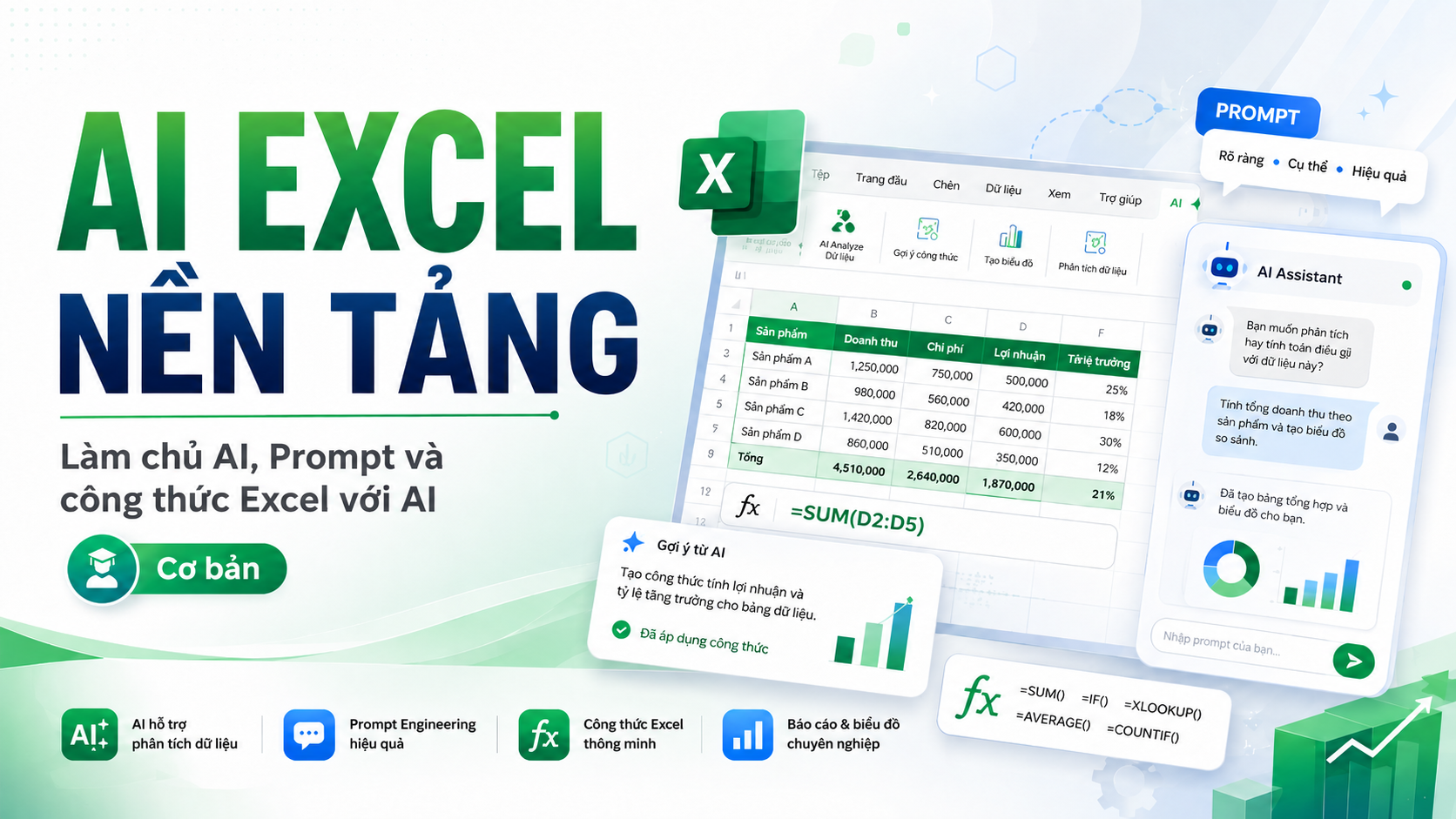
AI Platform for Excel
🚀 AI EXCEL FOUNDATION Master AI, Prompt, and Excel formulas with AI You use Excel every day but still often encounter situations like: 😵 Don't know which function to use correctly? 🧩 Formulas too long and hard to understand? ❌ Encountering Excel errors but don't know where the cause is? 🔍 Spending a lot of time searching Google to find formulas? 🤖 Have used ChatGPT but the answers are sometimes right, sometimes wrong because you don't know how to ask questions? 📊 Want to leverage AI to work with Excel faster but don't know where to start? AI EXCEL FOUNDATION is designed to help you solve exactly those problems. This is a Foundation-level (foundational) course, for people who are new to using AI or just starting to apply AI to Excel. You don't need deep AI knowledge and you don't need to be an Excel expert. 🎯 What will you learn? Instead of just memorizing formulas, you will learn how to use AI as an Excel assistant to support your daily work. After the course, you will be able to: ✨ Use ChatGPT and popular AI tools in your work with Excel. ✨ Know how to write clear, structured Prompts so AI understands your request correctly. ✨ Ask AI to write Excel formulas that fit real-world problems. ✨ Ask AI to explain complex formulas in easy-to-understand language. ✨ Use AI to detect causes and fix formula errors. ✨ Support tasks involving calculation, conditions, lookup, and dates. ✨ Know how to ask AI to re-check results instead of mechanically copying formulas. ✨ Understand AI Hallucination – AI can guess or generate inaccurate information. ✨ Know how to protect personal and business data when working with AI. 📚 Course content 🤖 Chapter 1 – AI overview and AI for Excel You will understand: What AI is and how AI is supporting office work. How ChatGPT, Gemini, Claude, and Microsoft Copilot differ. What Excel tasks AI can support. What AI does well and where it can go wrong. How to use data safely when working with AI. How to prepare Excel 365, ChatGPT, and a practice environment. 💬 Chapter 2 – Prompt writing techniques for Excel You will learn how to turn a vague request into a Prompt that AI can understand and process more accurately. The course introduces these methods: Zero-shot. One-shot. Few-shot. RTE. RCTCO. Meta Prompt. In particular, you will practice the RCTCO Prompt formula with 5 components: Role → Context → Task → Constraints → Output From there, you will know how to transform: ❌ A generic Prompt into ✅ A clear Prompt with full data and a specific desired outcome. 🧮 Chapter 3 – Using AI to write Excel formulas This is the core hands-on part of the course. You will use AI to help write and understand common formula groups such as: SUM. AVERAGE. COUNT. IF. AND. OR. COUNTIF. SUMIF. VLOOKUP. XLOOKUP. TODAY. DATE. YEAR. MONTH. DATEDIF. NETWORKDAYS. The exercises are built around common situations: 📌 Calculate line totals. 📌 Calculate sales. 📌 Calculate percentages. 📌 Evaluate employee KPIs. 📌 Classify sales. 📌 Look up products and unit prices. 📌 Calculate number of working days. 📌 Track contract deadlines. 🛠️ Chapter 4 – Reading errors and checking formulas with AI Not only will you ask AI to write formulas, you also need to know how to check and fix formulas when errors occur. You will practice with common Excel errors such as: #VALUE! #N/A #REF! #DIV/0! #NAME? You will learn the process: Error formula → Describe data → Send to AI → Find the cause → Suggest a fix → Re-check the result The goal is to help you stop depending on copying a formula without understanding what it does. 🏆 Final hands-on exercise You will receive a sales data table and use AI to complete a basic Excel workflow: Understand the structure of the data table. Identify the meaning of each column. Write calculation formulas. Handle conditions. Look up data. Calculate dates. Detect formula errors. Ask AI to analyze the cause. Fix and re-check the results. This is also the time to combine all the AI + Prompt + Excel skills you have learned in the course. 👨💻 Who is this course suitable for? The course is especially suitable for: 👩💼 Office workers who regularly use Excel. 📊 People working in accounting, administration, HR, business, operations, reporting, or basic data analysis. 🎓 Students who want to improve their Excel and AI skills before entering the workforce. 🤖 People who have used ChatGPT but don't yet know how to write effective Prompts. 📈 People who want to work with Excel faster without having to memorize hundreds of formulas. 🌱 Beginners who are just starting to explore how to apply AI to work. 🔐 Not only learn how to use AI – you also learn how to use AI safely A very important part of the course is data safety. You will learn: Which data should not be uploaded directly to AI. How to hide personal information. How to change customer IDs and employee IDs. How to create dummy data with a structure similar to real data to ask AI. Why you should always check AI results before applying them to real work. 🎯 After the course, your goal is: "I can use AI to support most of my daily basic Excel tasks." You don't need to become an AI expert. You also don't need to memorize all Excel formulas. What matters is that you know: Ask the right question → Provide the right data → Get the formula → Understand the formula → Check the result → Apply it to your work. 🚀 AI EXCEL FOUNDATION is the first step to turning AI into a true Excel assistant in your daily work.
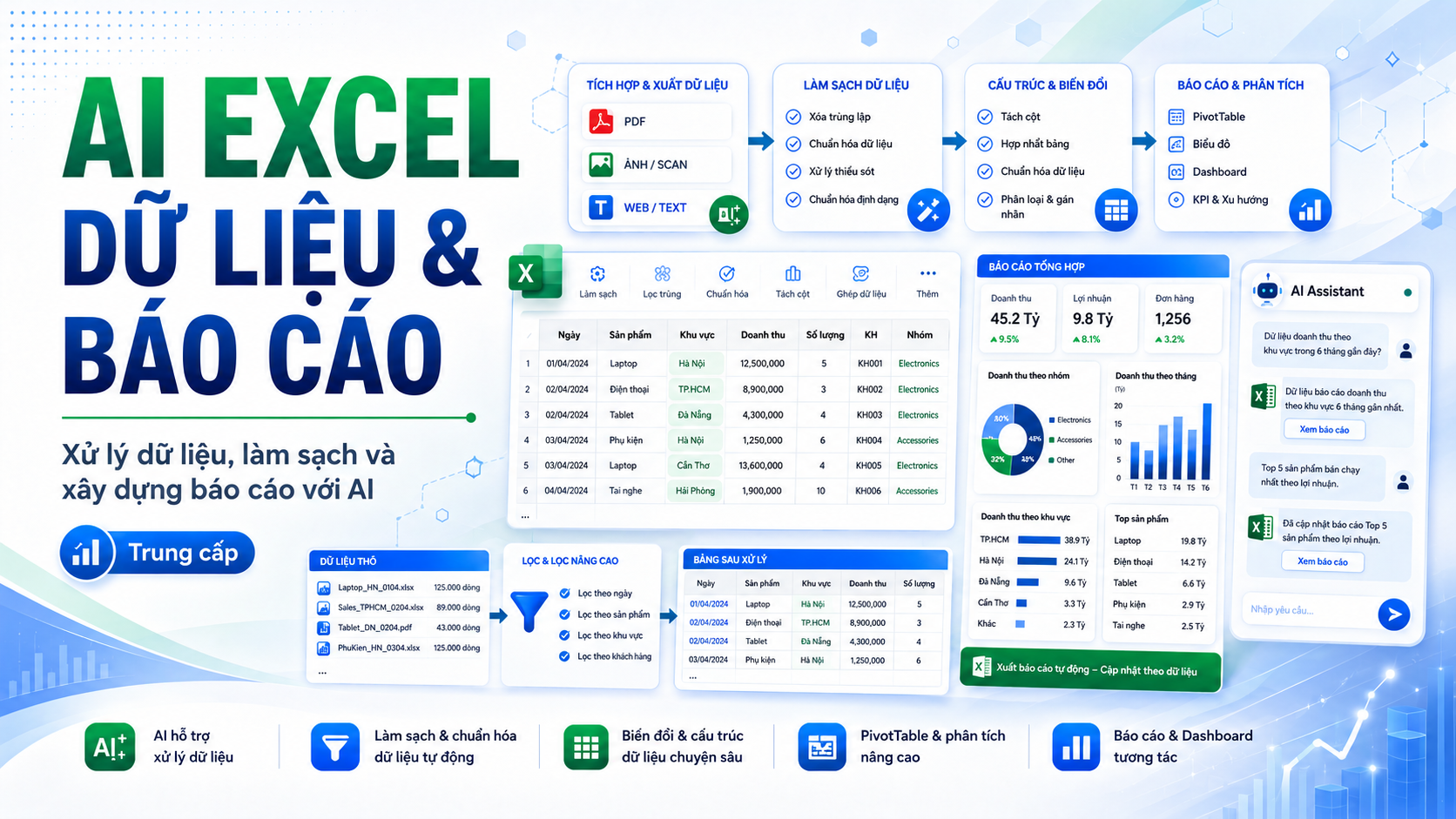
AI for Excel Data Processing and Reporting
📊 AI EXCEL DATA & REPORTING Data Processing, Cleaning, and Building Reports with AI You already know basic Excel and can write Prompts for AI, but when you step into real data, everything starts to become more complicated? You often encounter situations like: 📁 Data scattered across multiple Excel files, PDFs, or images. 🧹 Data is duplicated, missing, incorrectly formatted, or inconsistent. 🧩 Formulas are getting longer and have too many conditions. 📊 Don't know whether to use formulas or PivotTable for aggregation. 📑 Have numbers but don't know how to turn them into a clear report. 🤖 Want AI to help analyze and write comments, but worry AI might misjudge the numbers. 👔 Need to make reports for management but don't know which KPIs, charts, and content to choose. AI EXCEL DATA & REPORTING was built to help you solve that entire process. This is an Intermediate-level course, focused on using Excel combined with AI to turn raw data into clean, structured data and finally into a report that can be used in real work. 🎯 What Will You Be Able to Do After the Course? After the course, you can: ✨ Use AI to assist in handling multi-condition Excel formulas. ✨ Analyze the problem before asking AI to write formulas. ✨ Extract data from PDFs, images, text, and various data tables. ✨ Clean data that is erroneous, has extra whitespace, wrong formatting, duplicates, or anomalies. ✨ Standardize data to be ready for aggregation and analysis. ✨ Split, merge, and reorganize data according to work requirements. ✨ Translate and standardize bilingual data while keeping the Excel table structure intact. ✨ Aggregate data using SUMIFS, COUNTIFS, AVERAGEIFS, and PivotTable. ✨ Know when to use formulas, PivotTable, or AI assistance. ✨ Build more professional revenue reports and management reports. ✨ Ask AI to help write comments, insights, and Executive Summary based on real numbers. 📚 Course Content 🧮 Chapter 1 – Advanced Excel Formulas with AI When a problem no longer has just one condition, you need to know how to describe the requirements to AI more precisely. You will practice with: SUMIFS. COUNTIFS. AVERAGEIFS. FILTER. IF combined with AND and OR. Combining multiple functions in the same problem. More importantly, you will learn how to analyze the problem before writing the formula: What is the input data? What conditions are there? Are there any exceptions? What final result needs to be returned? You will also know how to ask AI to break down, review, and rewrite complex formulas to make them easier to understand and maintain. 💼 Practice Exercise Calculate salary and bonuses. Calculate tax based on revenue. Aggregate revenue by multiple conditions. 📄 Chapter 2 – Extracting Data with AI Work data isn't always already in a neat, complete Excel table. It can be in: Invoices. Contracts. Quotes. PDF reports. Images. Text strings. Data files organized in different ways. You will learn how to use AI to help recognize, extract, and convert data into a structured format. Additionally, the course covers Excel tools such as: LEFT. RIGHT. MID. TEXTSPLIT. Text to Columns. Related string-handling functions. You will also practice splitting a master data table into multiple groups like: Business, Marketing, Accounting, Human Resources. 🛠️ Practice Exercise Build a complete process from: PDF or images → AI processing → Excel → Data standardization. 🧹 Chapter 3 – Cleaning and Standardizing Data A good report must start with good data. You will learn how to detect common problems such as: Empty data. Wrong formatting. Extra whitespace. Unnecessary characters. Inconsistent capitalization. Duplicate data. Abnormal values. Incorrect business logic. Tools to practice include: TRIM. CLEAN. SUBSTITUTE. UPPER. LOWER. PROPER. Methods for splitting and merging data. You will also learn how to classify duplicate data into: Definitely duplicates. Likely duplicates. Requires manual review. In particular, you will know how to ask AI to create a data quality checklist before using the data for reports. 🧪 Practice Exercise Merge three Excel files and perform the entire process: Merge data, clean, standardize, check, and create a complete data table. 🌐 Chapter 4 – Translating and Standardizing Bilingual Data When working with English reports or data from multiple countries, manually translating each cell takes a lot of time. In this chapter, you will learn how to use AI to: Translate content in Excel tables. Keep the number of columns and data order. Translate according to business context. Standardize terminology. Check the consistency of the translation. You will practice with contexts such as: 💰 Finance. 👥 Human Resources. 💻 Technology. 📈 Business. In addition, you will build a Glossary – a standard bilingual terminology table so that AI uses it consistently throughout the report. 📊 Chapter 5 – Aggregating Data with Excel and AI After the data is clean, the next step is turning thousands of data rows into meaningful numbers. You will learn two important groups of methods: Formulas SUMIFS. COUNTIFS. AVERAGEIFS. Related aggregation functions. PivotTable Rows. Columns. Values. Filters. Group data by day, month, or year. More importantly, you will understand: When should you use formulas? When should you use PivotTable? When should you ask AI for help? The goal is not to use as many tools as possible, but to choose the right tool for the right problem. 📈 Chapter 6 – Building Excel Reports with AI This section helps you transition from a data processor to a creator of decision-supporting information. Before building a report, you will learn to answer 5 questions: Who is this report for? What does the reader want to know? Which KPIs really matter? What time period needs to be analyzed? What decisions will the report support? Then, you will use AI to help propose a suitable report structure. You will practice creating revenue reports by: Time. Product. Employee. Region. Important KPIs. 🤖 Not Just Numbers – AI Also Helps You Write Comments A table of numbers is not yet a complete report. You will learn to use AI to assist in: Identifying trends. Comparing results. Detecting highlights. Identifying issues. Suggesting content to pay attention to. However, the course applies an important principle: Numbers first → Comments after → Verify the numbers again. AI assists in writing, but users still need to control the accuracy of the report. 👔 Executive Summary – Report Summary for Management A manager doesn't always have time to read dozens of data tables. You will learn to use AI to create a short but valuable Executive Summary, following the structure: Key Results → Notable Points → Issues → Recommendations The goal is to help readers quickly understand: What is happening? What is notable? Where is the problem? What action should be taken? 🏆 Final Course Exercise You will receive data from multiple sources and perform a complete process: Extract data. Merge data. Clean data. Standardize data. Check data quality. Aggregate numbers. Create PivotTable. Build the report. Write comments with AI. Finalize Executive Summary. This exercise helps you connect all the knowledge in the course into a real-world data processing and reporting workflow. 👨💼 Who Is This Course For? The course is suitable for: 📊 Office employees who frequently handle Excel data. 💰 Accounting, finance, business, or operations staff. 👥 HR staff who need to compile employee data and reports. 📈 Sales and Marketing professionals who need to aggregate and track numbers. 📑 People who frequently have to prepare reports for management. 🎓 Students who already have an Excel foundation and want to advance their data processing skills. 🤖 People who already know how to use ChatGPT and prompts but want to apply AI more deeply to Excel. 🔥 What Makes This Course Different The course doesn't just teach: “Which tool do you click in Excel?” It focuses on a more important capability: “How do you turn raw data into valuable information with the support of Excel and AI?” You will go through the entire workflow: Raw Data → Extraction → Cleaning → Standardization → Aggregation → Analysis → Report → Executive Summary Each step combines: 🧠 Data processing mindset 📊 Excel skills 🤖 AI support capability 🎯 After the Course, Your Goal Is: “I can turn raw data into a complete Excel report with the support of AI.” You don't only know how to use a few more Excel functions. You will understand a complete data workflow: Receive data → Check → Clean → Standardize → Aggregate → Analyze → Present → Provide comments. 🚀 AI EXCEL DATA & REPORTING is the next step for you to upgrade from an Excel user to someone capable of processing data and building professional reports with AI.
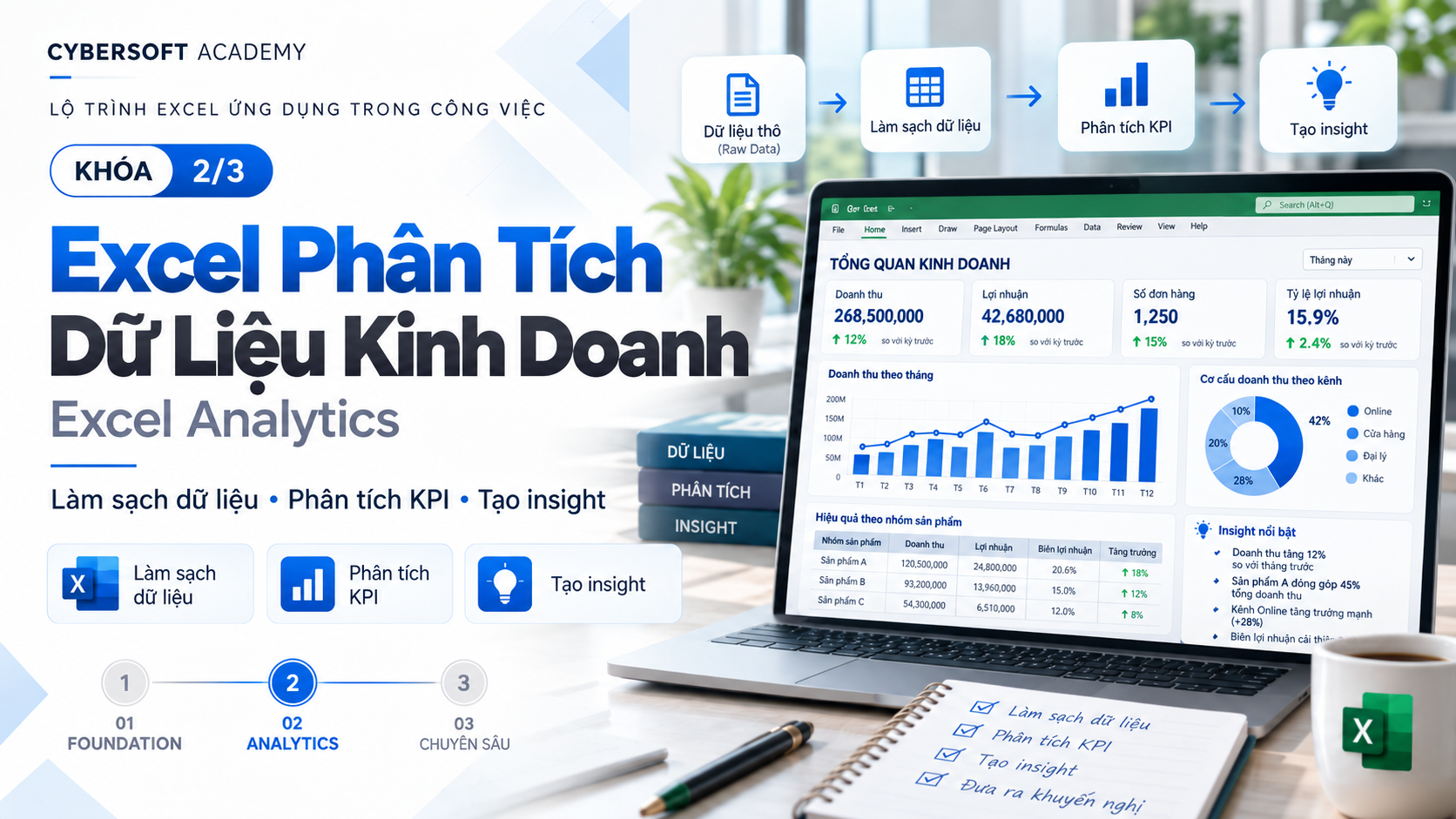
Preparing and Analyzing Business Data with Excel
📊 EXCEL BUSINESS ANALYTICS – BUSINESS DATA ANALYSIS WITH EXCEL You already know how to use Excel but still spend a lot of time connecting data, checking errors, summarizing reports, and finding insights from thousands of rows of data? Excel Business Analytics is designed to help you take one step further: not just “doing Excel,” but knowing how to turn data into answers to business questions. The course follows a real-world workflow CLEAN → LOOKUP → PIVOT → ANALYSIS, focusing on enterprise problems and output deliverables that can be applied directly to work. ⏱️ With a duration of about 9 hours, the course is suitable for people who already have basic Excel knowledge and want to upgrade their ability to summarize, analyze, and report data more systematically. 🎯 What will you be able to do after the course? After the course, you will not only know how to use the tool but also understand why data needs to be processed step by step. You can connect multiple data tables with XLOOKUP, check errors that affect analysis results, build multi-dimensional PivotTable, use Slicer, PivotChart, identify Top/Bottom, and write an Analysis Summary backed by figures. More importantly, you will develop the mindset to turn manager questions such as *“Which region is selling well?”, “Which month has declining revenue?”, “Which product contributes the most?”* into verifiable metrics and data perspectives. 🚀 Course content 🔗 Module 1 – Lookup & Data Connection: Understand the Key/ID mindset and how to link data between tables using XLOOKUP. You will practice retrieving Product Name, Category, Standard Price, Employee Name, Department, Region from Master tables; also checking duplicate IDs, non-existent IDs, and #N/A errors. 🧹 Module 2 – Data Cleaning for Analysis: Clean and standardize data before analysis. You will handle Duplicate, Missing Value, Wrong Data Type, Naming Inconsistency, Incorrect ID, Outlier, while also checking logic errors such as Quantity = 0 but Revenue > 0, delivery date before order date, or negative revenue. At the end of this section, you will know how to create a Data Quality Flag to distinguish errors that can be handled automatically from errors that require manual review. 📊 Module 3 – PivotTable Fundamentals: Turn thousands of rows of data into reports in just a few steps. You will master Rows, Columns, Values, Filters, Sum, Count, Average, Group Date, Top N, % of Total, Refresh, Slicer and PivotChart. The exercises focus on revenue by region/month, Top products, revenue share by Category, and Salesperson performance. 🧠 Module 4 – Business Analysis Challenge: This is the step from “someone who knows Excel” to “someone who knows how to analyze.” You will learn how to turn manager questions into metrics, analysis dimensions, and filters; perform period comparisons, composition analysis, Top/Bottom, and especially distinguish Fact from causal hypothesis to avoid conclusions lacking evidence.  💼 Practice with data that resembles a business environment The course uses a Sales Transactions set of about 1,000–3,000 rows, combined with Product Master and Employee Master. The data has many pre-built errors so learners must actually check, process, and verify the data rather than just follow sample steps. You will progressively build a complete Analysis Workbook, from raw data to connected data, analysis-ready data, Pivot Analysis, and finally an Analysis Summary. 🏆 MINI CAPSTONE – ROLE-PLAY AS A BUSINESS ANALYST At the end of the course, you will take on the role of a Business Analyst supporting the Sales department. The initial transaction data has only Product ID and Employee ID, while descriptive information is stored in separate Master tables. Your task is to connect data with XLOOKUP, check data quality, build PivotTable across multiple dimensions, identify Top 5 products, Top 5 employees, regions with high Return Rate, and write a 5–7 line Analysis Summary based only on what the data actually proves. This is exactly how data is handled in real work: not stopping at creating beautiful tables, but being able to answer business questions. ✨ What makes the course different The course does not focus on memorizing buttons or “dragging and dropping PivotTable”. Every analysis exercise begins with a business question: WHAT – WHERE – WHEN – WHO, then selects the appropriate data, metrics, and analysis method. At the same time, learners must always include a Verify step – checking totals before and after processing, which helps limit beautiful reports with incorrect numbers. 👨💼 Who is this course for? The course is suitable for office staff, sales, accounting, HR, operations, managers, and anyone who regularly has to consolidate data from multiple Excel tables. Learners should already know Excel Table, Sort/Filter, and basic conditional functions, or have completed an equivalent foundational Excel course. 🎓 After the course, you don’t just have knowledge – you have a workflow From a raw data file, you will know how to: 🔗 CONNECT data → 🧹 CLEAN data → 📊 PIVOT data → 🔍 ANALYZE data → 💡 deliver evidence-based INSIGHT. This is the foundation for you to continue to Excel Dashboard & Reporting, where analysis results are turned into dashboards and visual management reports. 🔥 Excel Business Analytics – Not just knowing Excel. Learn how to make data answer business questions. You can further develop the course content in these directions