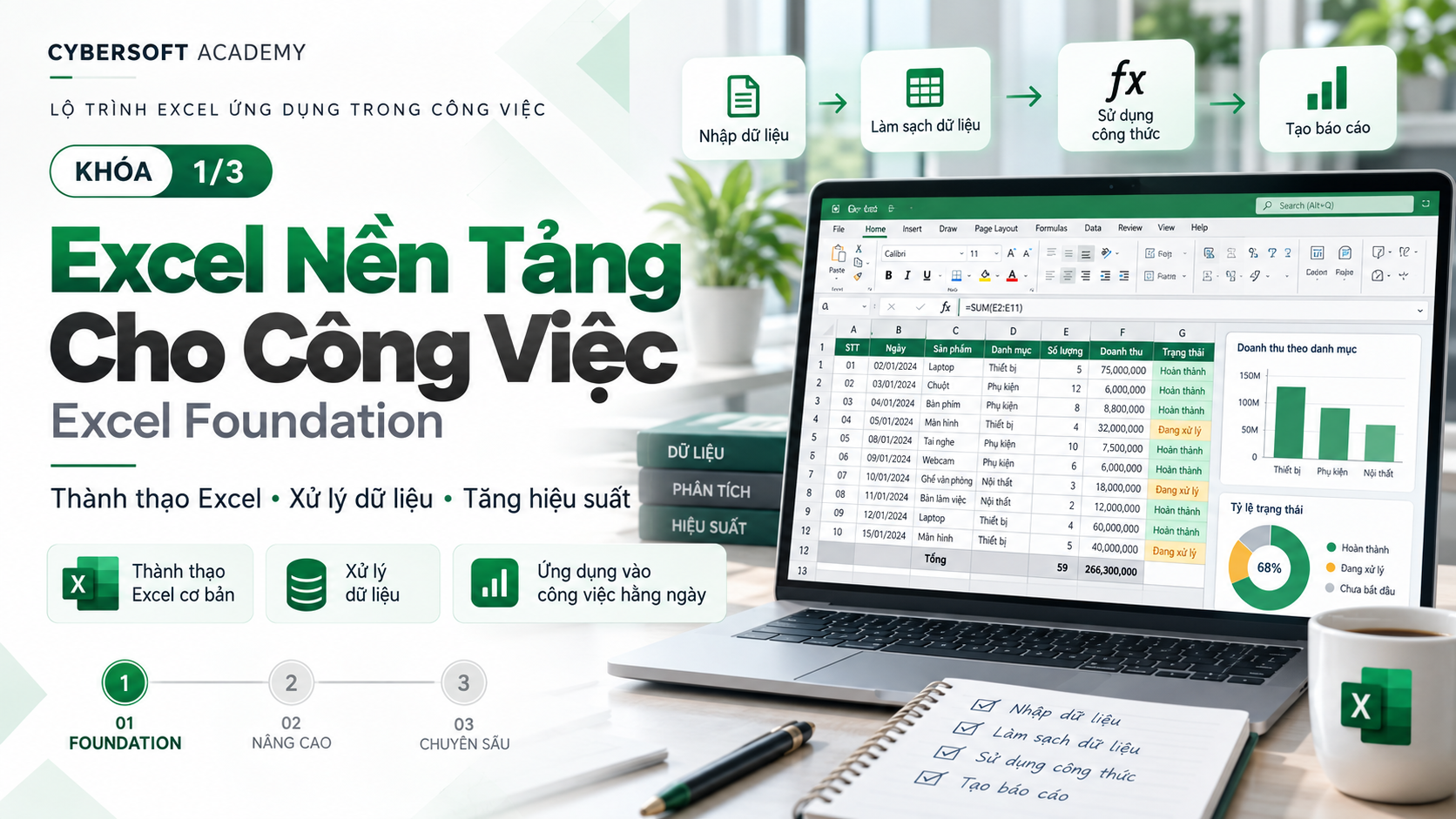
 eduzyeduzy
Basic
25 Lessons
15h 48m of video
8 Students
Certificate of Completion
You use Excel every day but still often encounter situations like:
AI EXCEL FOUNDATION is designed to help you solve exactly those problems.
This is a Foundation-level (foundational) course, for people who are new to using AI or just starting to apply AI to Excel.
You don't need deep AI knowledge and you don't need to be an Excel expert.
Instead of just memorizing formulas, you will learn how to use AI as an Excel assistant to support your daily work.
After the course, you will be able to:
✨ Use ChatGPT and popular AI tools in your work with Excel.
✨ Know how to write clear, structured Prompts so AI understands your request correctly.
✨ Ask AI to write Excel formulas that fit real-world problems.
✨ Ask AI to explain complex formulas in easy-to-understand language.
✨ Use AI to detect causes and fix formula errors.
✨ Support tasks involving calculation, conditions, lookup, and dates.
✨ Know how to ask AI to re-check results instead of mechanically copying formulas.
✨ Understand AI Hallucination – AI can guess or generate inaccurate information.
✨ Know how to protect personal and business data when working with AI.
You will understand:
You will learn how to turn a vague request into a Prompt that AI can understand and process more accurately.
The course introduces these methods:
In particular, you will practice the RCTCO Prompt formula with 5 components:
Role → Context → Task → Constraints → Output
From there, you will know how to transform:
❌ A generic Prompt
into
✅ A clear Prompt with full data and a specific desired outcome.
This is the core hands-on part of the course.
You will use AI to help write and understand common formula groups such as:
The exercises are built around common situations:
📌 Calculate line totals.
📌 Calculate sales.
📌 Calculate percentages.
📌 Evaluate employee KPIs.
📌 Classify sales.
📌 Look up products and unit prices.
📌 Calculate number of working days.
📌 Track contract deadlines.
Not only will you ask AI to write formulas, you also need to know how to check and fix formulas when errors occur.
You will practice with common Excel errors such as:
#VALUE!#N/A#REF!#DIV/0!#NAME?You will learn the process:
Error formula → Describe data → Send to AI → Find the cause → Suggest a fix → Re-check the result
The goal is to help you stop depending on copying a formula without understanding what it does.
You will receive a sales data table and use AI to complete a basic Excel workflow:
This is also the time to combine all the AI + Prompt + Excel skills you have learned in the course.
The course is especially suitable for:
👩💼 Office workers who regularly use Excel.
📊 People working in accounting, administration, HR, business, operations, reporting, or basic data analysis.
🎓 Students who want to improve their Excel and AI skills before entering the workforce.
🤖 People who have used ChatGPT but don't yet know how to write effective Prompts.
📈 People who want to work with Excel faster without having to memorize hundreds of formulas.
🌱 Beginners who are just starting to explore how to apply AI to work.
A very important part of the course is data safety.
You will learn:
"I can use AI to support most of my daily basic Excel tasks."
You don't need to become an AI expert.
You also don't need to memorize all Excel formulas.
What matters is that you know:
Ask the right question → Provide the right data → Get the formula → Understand the formula → Check the result → Apply it to your work.
🚀 AI EXCEL FOUNDATION is the first step to turning AI into a true Excel assistant in your daily work.
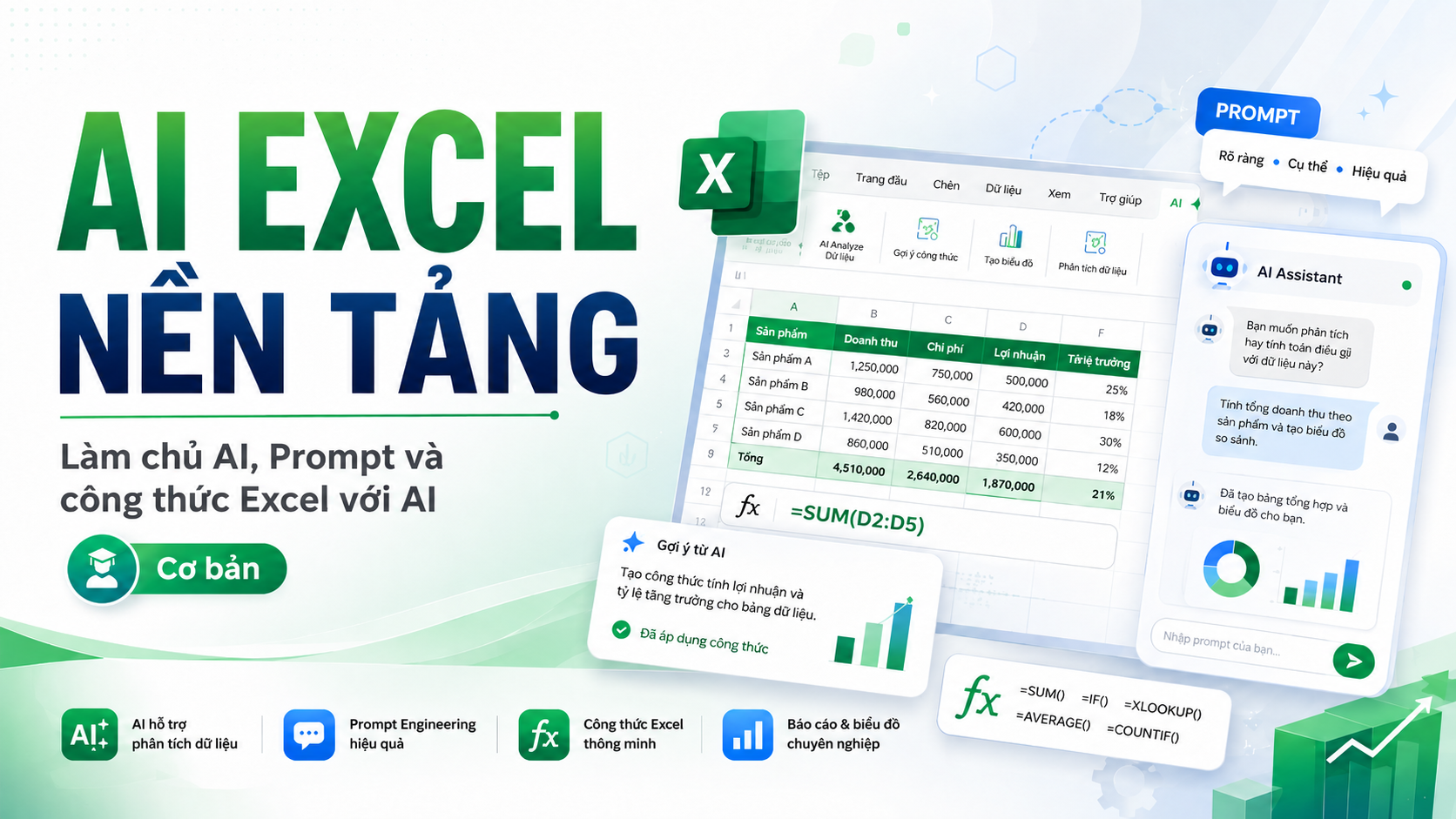
4 chapters
25 lessons
15h 48m of video
8 Students
24/7 mentor support
Certificate of completion
Learn on any device
899,000 VND
399,000 VND
/ 1 months
#ffffff
4 Chapter · 25 Lessons · 15h 48m of video · 23 practice quizzes
9 Lessons • 4 hr 55 min
Course Introduction
Preview5:511.1. Recognizing How AI Supports Work and Excel
Preview36:251.2. Choosing the Right AI Tool for Excel Work
Preview1:06:481.3. Practicing Working with ChatGPT from Request to Excel File
Preview56:241.4. Applying AI to Common Excel Tasks
45:051.5. Controlling the Limits and Accuracy of AI Results
26:561.6. Standardizing and Protecting Data Before Sending It to AI
40:151.7. Setting Up a Practice Environment
Preview18:04Capstone Lesson Chapter 1
6 Lessons • 4 hr 4 min
2.1. Turning Excel Requests into Clear Prompts for AI
46:242.2. Applying Prompt Methods to Each Excel Situation
57:542.3. Building a Complete Excel Prompt with RCTCO
30:262.4. Improving Prompts to Get More Accurate AI Results
45:052.5. Practicing Commonly Used Excel Prompt Templates
1:04:55Capstone Lesson Chapter 2
6 Lessons • 4 hr 32 min
3.1. Reading and Identifying Excel Formula Structure Before Using AI
44:543.2. Asking AI to Write Calculation Formulas from Real-World Requirements
49:353.3. Building Conditional Formulas and Data Classification with AI
47:413.4. Looking Up and Linking Data Between Tables with AI
1:02:443.5. Handling Dates, Deadlines, and Working Time with AI
1:05:42Capstone Lesson Chapter 3
4 Lessons • 2 hr 17 min
4.1. Quickly Identifying Common Excel Formula Errors
50:164.2. Analyzing Causes and Fixing Broken Formulas with AI
37:344.3. Using AI to Read and Explain Complex Excel Formulas
30:57Final Capstone Project
18:000 Rating and review
No comment
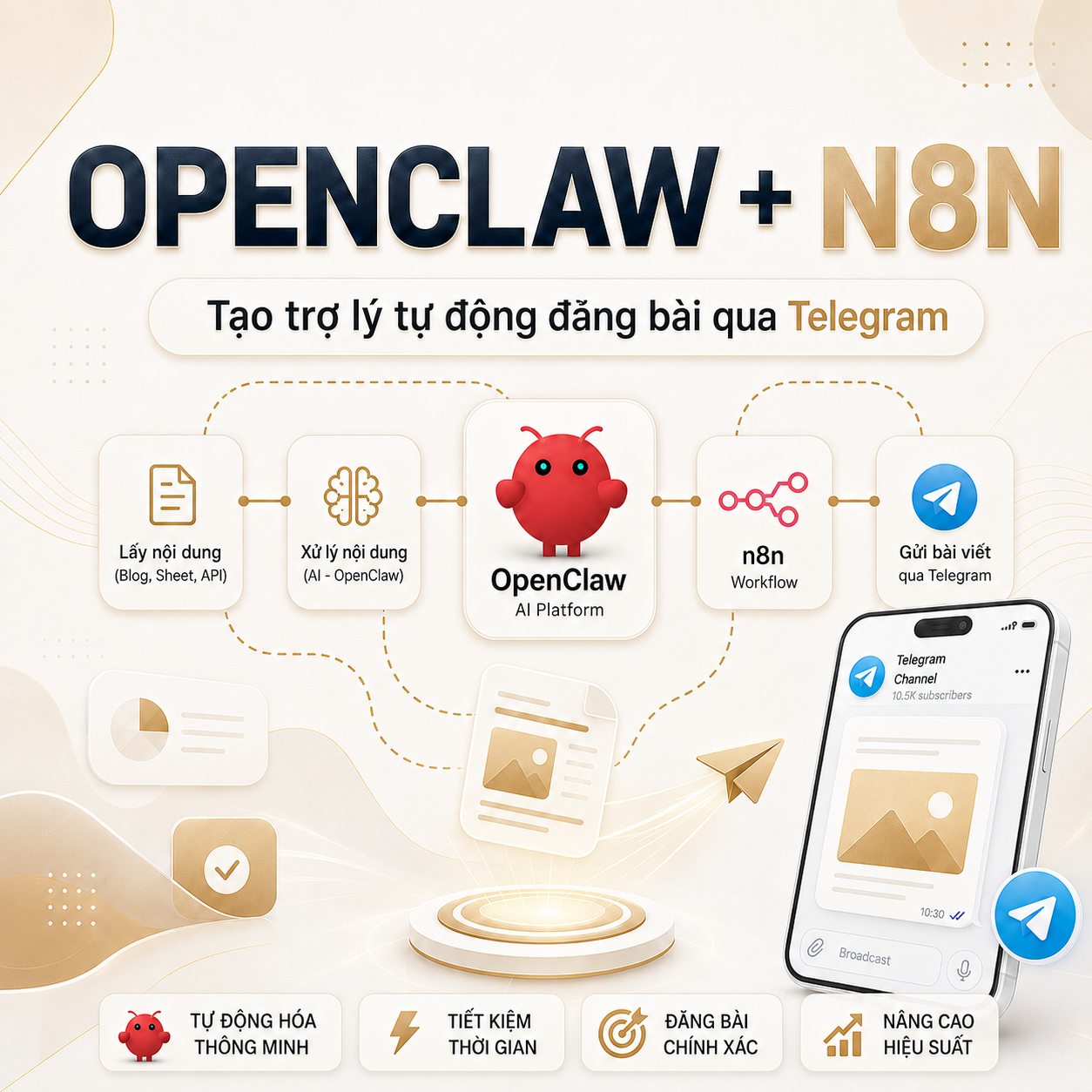
Xây dựng AI Agent với OpenClaw & N8N - Xây dựng trợ lý 24/7 tự động qui trình, tự động đăng bài
Khóa học này là gì? Đây là khóa thực hành AI Agent thực tế, tự động hóa qui trình, đi thẳng vào làm ra sản phẩm chạy...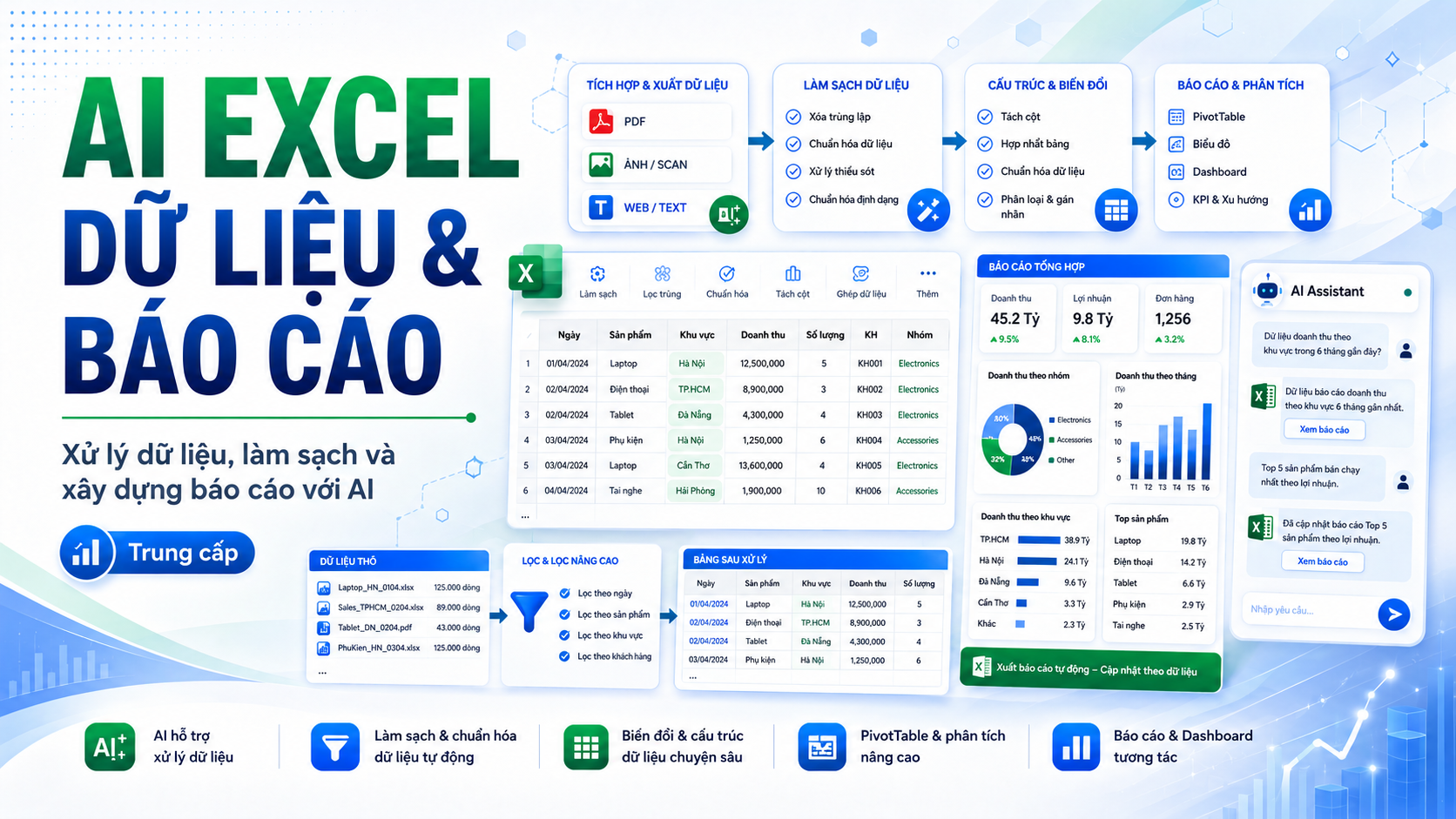
AI xử lý dữ liệu và báo cáo Excel
📊 AI EXCEL DATA & REPORTING Xử lý dữ liệu, làm sạch và xây dựng báo cáo với AI Bạn đã biết sử dụng Excel cơ bản và có...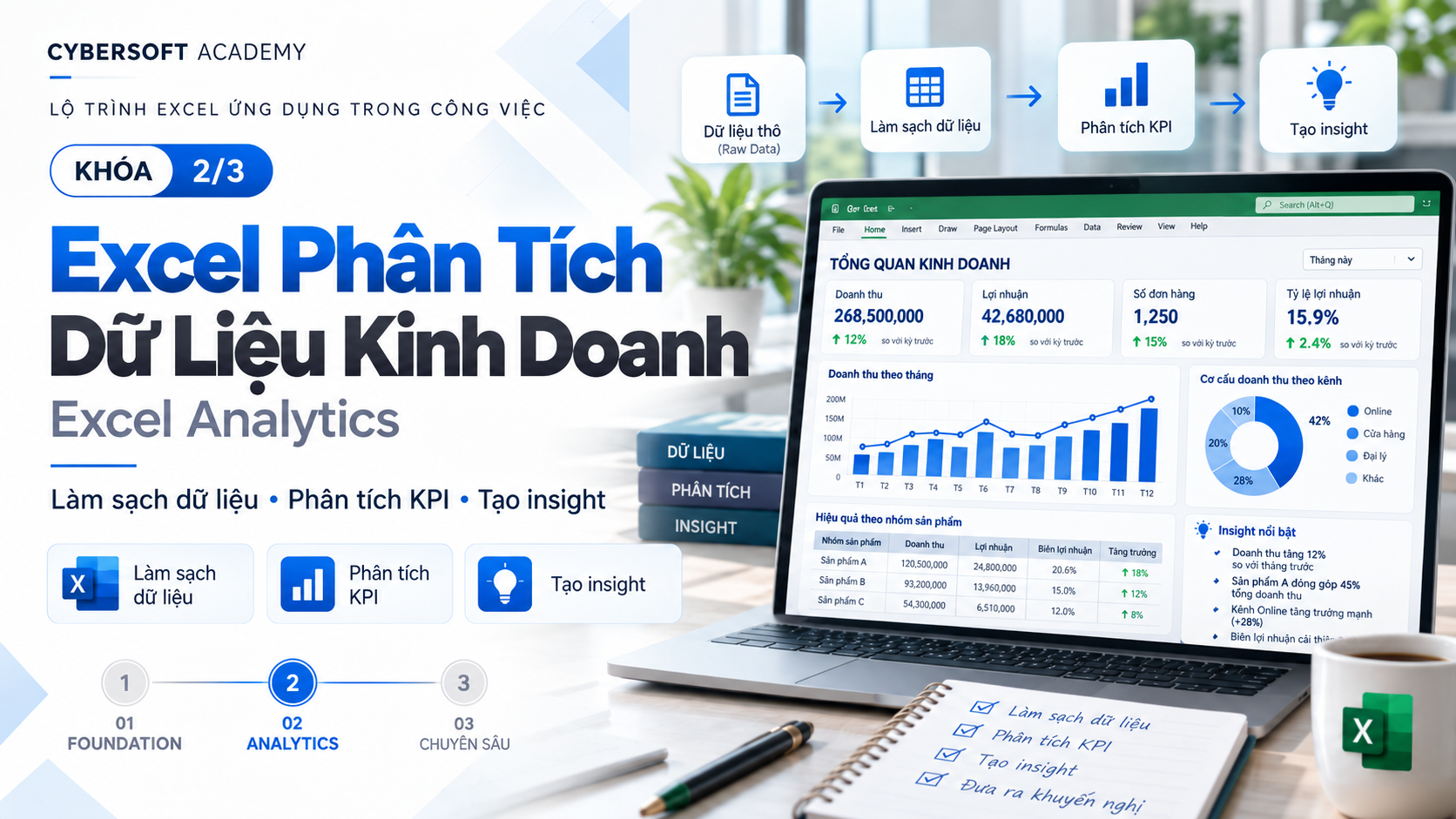
Chuẩn bị và phân tích dữ liệu kinh doanh bằng Excel
📊 EXCEL BUSINESS ANALYTICS – PHÂN TÍCH DỮ LIỆU KINH DOANH VỚI EXCEL Bạn đã biết sử dụng Excel nhưng vẫn mất nhiều thời...You use Excel every day but still often encounter situations like:
AI EXCEL FOUNDATION is designed to help you solve exactly those problems.
This is a Foundation-level (foundational) course, for people who are new to using AI or just starting to apply AI to Excel.
You don't need deep AI knowledge and you don't need to be an Excel expert.
Instead of just memorizing formulas, you will learn how to use AI as an Excel assistant to support your daily work.
After the course, you will be able to:
✨ Use ChatGPT and popular AI tools in your work with Excel.
✨ Know how to write clear, structured Prompts so AI understands your request correctly.
✨ Ask AI to write Excel formulas that fit real-world problems.
✨ Ask AI to explain complex formulas in easy-to-understand language.
✨ Use AI to detect causes and fix formula errors.
✨ Support tasks involving calculation, conditions, lookup, and dates.
✨ Know how to ask AI to re-check results instead of mechanically copying formulas.
✨ Understand AI Hallucination – AI can guess or generate inaccurate information.
✨ Know how to protect personal and business data when working with AI.
You will understand:
You will learn how to turn a vague request into a Prompt that AI can understand and process more accurately.
The course introduces these methods:
In particular, you will practice the RCTCO Prompt formula with 5 components:
Role → Context → Task → Constraints → Output
From there, you will know how to transform:
❌ A generic Prompt
into
✅ A clear Prompt with full data and a specific desired outcome.
This is the core hands-on part of the course.
You will use AI to help write and understand common formula groups such as:
The exercises are built around common situations:
📌 Calculate line totals.
📌 Calculate sales.
📌 Calculate percentages.
📌 Evaluate employee KPIs.
📌 Classify sales.
📌 Look up products and unit prices.
📌 Calculate number of working days.
📌 Track contract deadlines.
Not only will you ask AI to write formulas, you also need to know how to check and fix formulas when errors occur.
You will practice with common Excel errors such as:
#VALUE!#N/A#REF!#DIV/0!#NAME?You will learn the process:
Error formula → Describe data → Send to AI → Find the cause → Suggest a fix → Re-check the result
The goal is to help you stop depending on copying a formula without understanding what it does.
You will receive a sales data table and use AI to complete a basic Excel workflow:
This is also the time to combine all the AI + Prompt + Excel skills you have learned in the course.
The course is especially suitable for:
👩💼 Office workers who regularly use Excel.
📊 People working in accounting, administration, HR, business, operations, reporting, or basic data analysis.
🎓 Students who want to improve their Excel and AI skills before entering the workforce.
🤖 People who have used ChatGPT but don't yet know how to write effective Prompts.
📈 People who want to work with Excel faster without having to memorize hundreds of formulas.
🌱 Beginners who are just starting to explore how to apply AI to work.
A very important part of the course is data safety.
You will learn:
"I can use AI to support most of my daily basic Excel tasks."
You don't need to become an AI expert.
You also don't need to memorize all Excel formulas.
What matters is that you know:
Ask the right question → Provide the right data → Get the formula → Understand the formula → Check the result → Apply it to your work.
🚀 AI EXCEL FOUNDATION is the first step to turning AI into a true Excel assistant in your daily work.
Course Content
0/25 lessons done
#ffffff
0 Rating and review
No comment
Xây dựng AI Agent với OpenClaw & N8N - Xây dựng trợ lý 24/7 tự động qui trình, tự động đăng bài
Khóa học này là gì? Đây là khóa thực hành AI Agent thực tế, tự động hóa qui trình, đi thẳng vào làm ra sản phẩm chạy...AI xử lý dữ liệu và báo cáo Excel
📊 AI EXCEL DATA & REPORTING Xử lý dữ liệu, làm sạch và xây dựng báo cáo với AI Bạn đã biết sử dụng Excel cơ bản và có...Chuẩn bị và phân tích dữ liệu kinh doanh bằng Excel
📊 EXCEL BUSINESS ANALYTICS – PHÂN TÍCH DỮ LIỆU KINH DOANH VỚI EXCEL Bạn đã biết sử dụng Excel nhưng vẫn mất nhiều thời...899.000 VND
399.000 VND
15h 48m of video
22 video lectures
4 Chapter
25 Lessons
23 practice quizzes
56 reading resources
Mock interview included
4 capstone project
8 Students
24/7 mentor support
Certificate of completion
Learn on any device